The Best Ever Version of Yearbook Pro for the New Season!
The newest version of Yearbook Pro is now available all servers as of this morning! Please read this email for all of the important detail about this major update.
New Admin Interface
Pixami Admin has undergone a complete makeover, and this will be immediately evident on login. The new design, with a task bar at the left, is easy to learn, use and navigate, and a big improvement over the previous version. There will be a short learning curve, but you’ll find that all of the features you’re familiar with are there and easy to find! Please don’t hesitate to contact Pixami Support with any questions — we’re here to help!
Please also note that the global Admin pages (Add Affiliates, Manage Licenses, Manage Affiliates, and Production) are not yet complete and will be released in an update in about 3 weeks. In the meantime, these pages display the old interface, with all features available.
Knowledge Base Update Underway
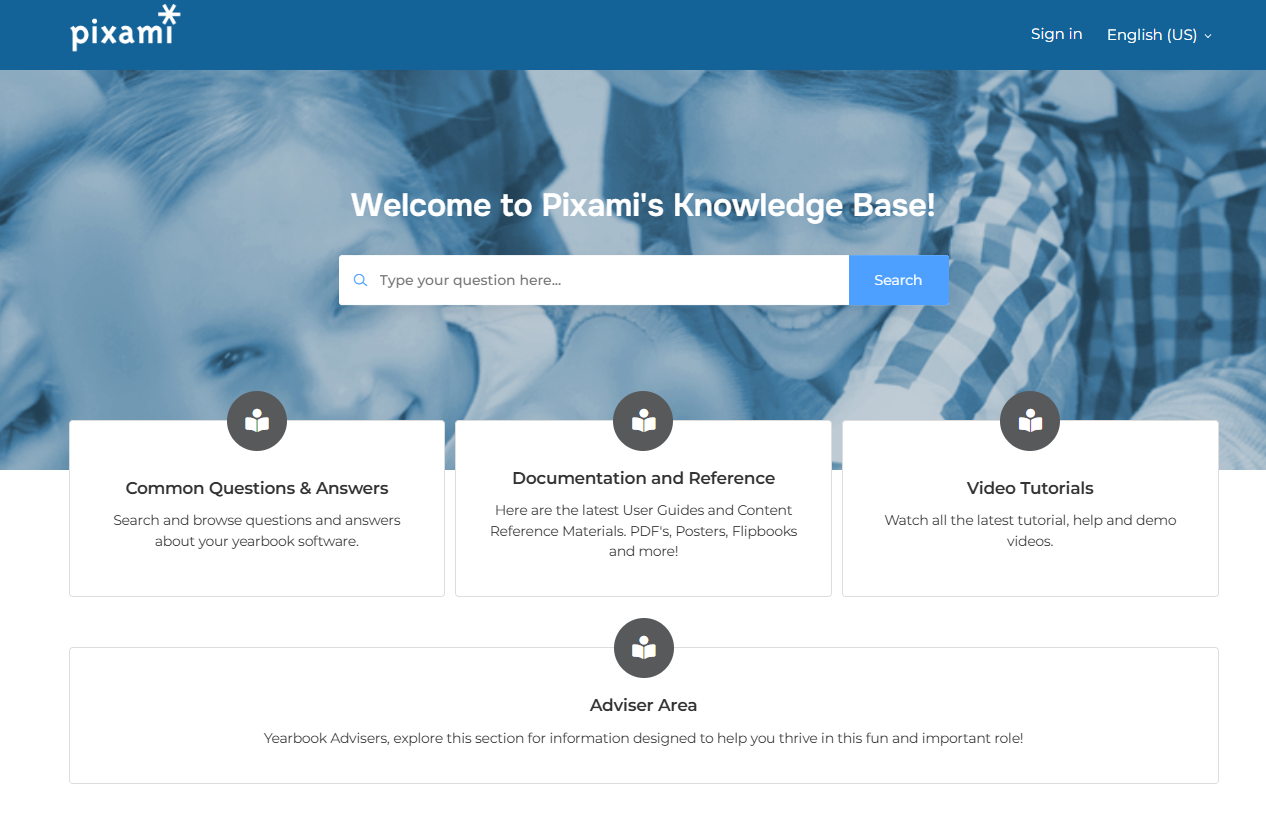
Pixami’s Public Knowledge Base is the best self-help resource for you, your customers, schools and advisers. An update to the Knowledge Base is underway in support of the new software, and includes new User Guides, Content Guides, Flipbooks, and Video Tutorials — plus a new set of downloadable Sales & Marketing materials, Classroom posters, and more. The Knowledge Base update is scheduled for completion the week of September 1, and we’ll keep you posted with email updates along the way!
Feature Updates
Below is a complete list of the new features now available in Yearbook Pro.
- New Face Matching!
We’ve replaced our Face Matching with a new, more sophisticated engine powered by Amazon. Photo tagging in Yearbook Pro is faster, more accurate, and easier to use than ever before. Face Matching is enabled by Advisers, on the Configure page.
- Student Shield, Privacy & Security
A new Student Shield feature, accessible on the Portraits tab, uses Face Matching technology to allow students to be opted out of the book, placing them in a Protected folder. Pixami is also scheduled to complete SOC 2 certification in February. This will benefit our customers and your schools with the gold standard in cybersecurity.
- New Templates & Content!
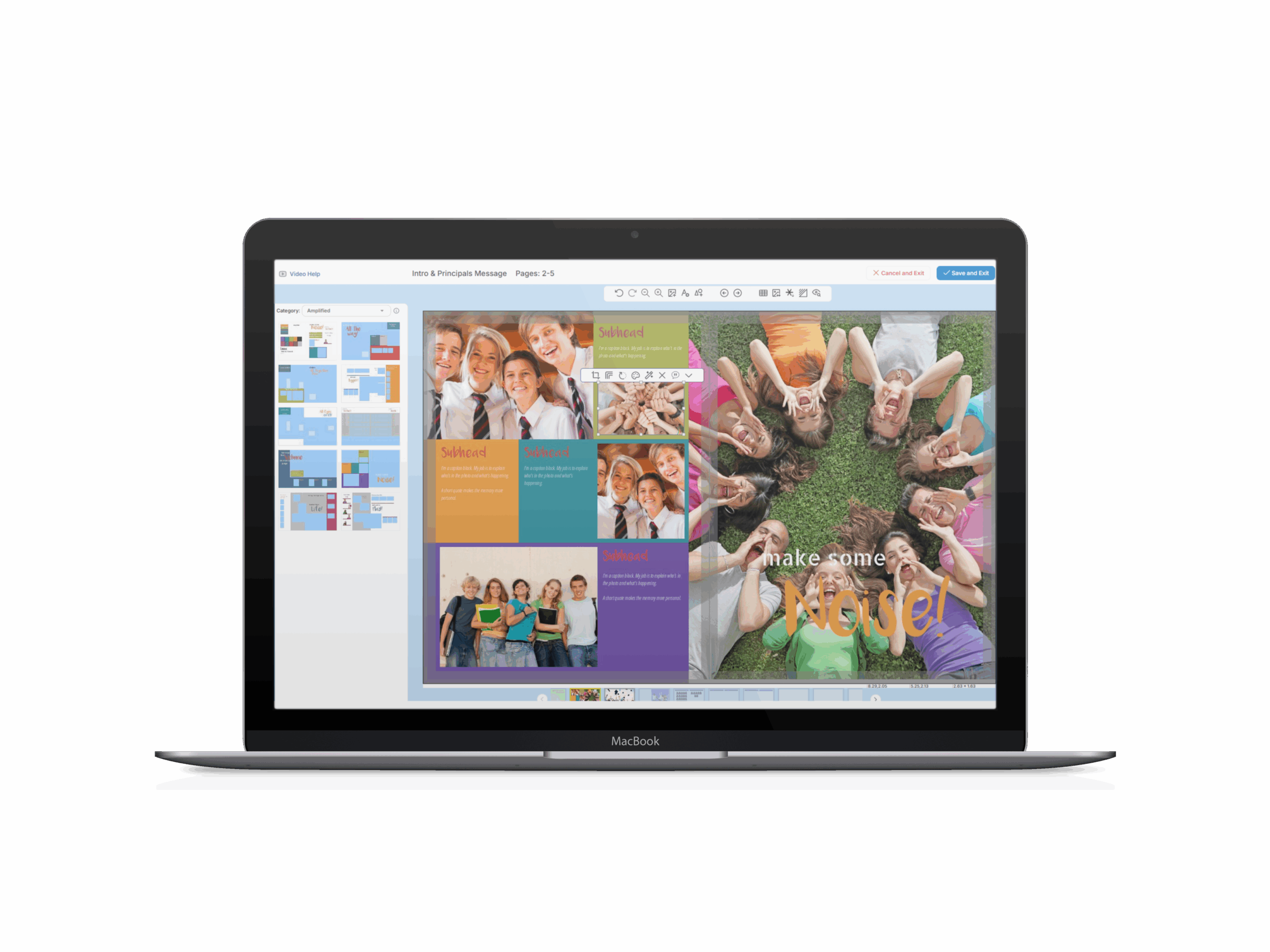
A wide variety of new content will get your yearbook designers excited! The update includes 15 new Style sets with designs for EL, MS, and HS — with an exclusive set of new High School designs from Dell Burgess, Mr. Yearbook! You’ll also see a new set of templates in all categories, including over 100 built-in portrait layouts!
- Background Removal
Brand-new, fast, one-click Background Removal allows you to easily remove the backgrounds from your images, opening up great design possibilities! You can find it on the Candids page toolbar.
- History Feature
A new History feature available on the ladder allows you to revert any page back to a previously saved version. You now have a complete history of every page in your book, and nothing is ever lost.
- New Image & Text Warnings
New, more advanced and intuitive warnings for low-resolution images, text clipping, and text overruns are available on the Editing page. They provide interactive detail and tips on how to maximize the quality of your designs.
- New Preview & Proofing View
A new Preview & Proofing view, accessible on the ladder, shows a live view of your entire book with interactive bleed and trim areas, and highlighted warnings. Upon submission, this view will provide a new step-by-step proofing interface, followed by direct insight into production.
- Google Drive
An exciting update to the Google Drive integration allows you to view and navigate through your folders, and then select individual photos to copy into the software.
- Double-Click to Edit!
You can now double-click on a section in the ladder to open it in the Editor.
- New Admin Dashboard
You’ll immediately notice a brand-new Admin Dashboard for Yearbook Pro, for management of all your schools. These pages contain all the features you’re familiar with, in a new, simplified, easy-to-navigate layout.
A brand-new Production Interface is available in Admin for Pixami print-integrated customers, delivering real-time visibility into production, plus detailed shipping and tracking information to your admins and advisers.
- Multiple Languages!
Yearbook Pro is now available in French, German, and Spanish, in addition to English — with more languages on the way. Pixami is already hosting sites internationally at AWS in several markets. Talk to us about your international yearbook needs!
Pixami Yearbook Pro is smarter, safer, and more creative for the 2025–26 season. Everything you need to make your best yearbook ever! We appreciate your ongoing partnership and support. Please don’t hesitate to contact us with any questions.